

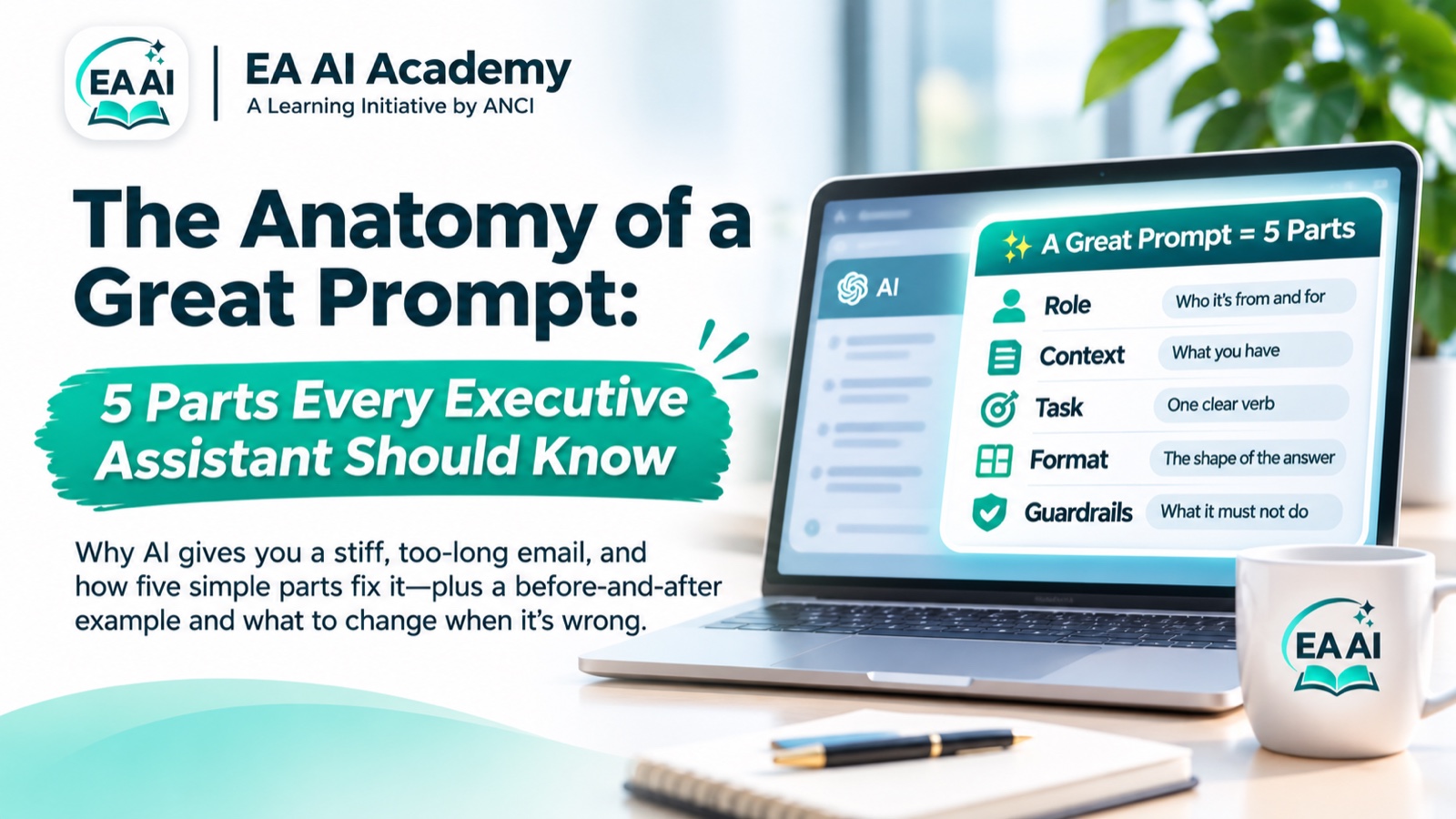
You ask AI to "write an email declining the dinner." What comes back is three paragraphs long, a little too sorry, and nothing like your executive. So you rewrite it yourself and wonder why you bothered.
The tool usually isn't the problem. The prompt is missing the things you would never leave out if you were briefing a person.
Brief AI like a new assistant on their first day
Imagine handing the same task to a temp who started this morning. You wouldn't just say "decline the dinner." You'd tell them who it's from, who it's to, what the invitation said, how long to keep it, and the one thing they must not promise. AI needs exactly the same briefing. Give it those five things and the first draft is usually close enough to send after a quick read.
The five parts
from my executive to a board member gets a very different email from from me to a vendor.Draft a reply declining the dinner on the 14th beats "help me with this email".under 100 words, friendly but firm, as a table, five bullets.don't promise another date, use only the information I give you, flag anything unclear instead of guessing.Before and after
Before Write an email declining the dinner. After: all five parts Draft a short, warm reply from my executive to a board member declining the dinner on the 14th. Here is their email: [paste]. Keep it under 100 words, friendly but firm, and don't promise another date.The second prompt takes twenty seconds longer to write. It saves the ten minutes you would have spent rewriting the first answer.
When the answer is wrong, fix one part
You don't need to start over. Look at what went wrong and change the part that controls it:
Three habits that make it stick
- Ask for options. "Give me three versions: warm, neutral and firm." Picking is faster than rewriting.
- Keep a prompt file. When a prompt works, save it with the brackets left in. Next time it takes thirty seconds.
- Check before you send. Names, dates, numbers and times get checked against the source. AI drafts; you decide.
One more rule: use only the AI tools your company has approved, and leave out anything confidential. "A board member" usually works as well as the name.
Get 20 prompts already built this way
Have a prompt that just won't behave? Ask the Academy, and we'll answer the best questions in the workshop.