

Search for "the best AI scheduling tool" and you'll find long lists of calendar apps. Most of them were built for one person managing their own day. An executive assistant's job is different: you schedule for someone else, often for several executives, and many of the people you schedule with work at other companies.
So the right question isn't "which tool is best?" It's "which tool does the part of scheduling that takes up my day?" Here's an honest guide, written by the team behind ANCI. We'll say where ANCI fits, and where another tool is the better choice.
What an executive assistant needs from a scheduling tool
Before comparing tools, it helps to name the work. For most EAs, the hard part of scheduling is rarely finding a free hour on one calendar. It's this:
- Scheduling for someone else. The meeting goes on your executive's calendar, with your executive as the organizer, not you.
- Several executives at once. Many EAs support two or more executives, each with their own preferences, hours and priorities.
- People outside the company. You can't see a client's or a board member's calendar. You write to them, or to their assistant, offer times, and wait.
- Changes. "Can we do Friday instead?", a cancellation, a meeting that has to move because something more important landed on top of it.
- Control. Nothing should go out in your executive's name that you haven't approved.
- Your executive's unwritten rules. No calls before 9, never back to back with the board, the travel day that isn't on the calendar.
Keep this list in mind when you read any comparison, including this one.
The main kinds of AI scheduling tool
Booking links: Calendly and similar
Best for: high-volume meetings where the guest is happy to pick a time, such as sales calls, interviews and office hours.
A booking link shows your availability and lets the guest choose. It's simple and reliable. The trade-off for an EA: it hands the work to the guest. Sending a link to a CEO, an investor or a board member can feel like asking them to do your job, so many EAs still email those people directly.
AI planners: Motion and Reclaim
Best for: protecting an executive's own time, with focus blocks, habits and tasks planned around meetings.
These tools are good at arranging one person's week. They're built for people managing their own calendar. They aren't designed to write to guests at other companies, wait for an answer, and book what comes back.
Assistants built into the calendar: Copilot in Outlook and Gemini in Google
Best for: finding time with colleagues inside your company, where every calendar is visible.
If your company already pays for them, they're worth using for internal meetings. Their limit is the same as the calendar's: they can't see anyone outside your company, so the back-and-forth with outside guests is still yours.
General AI agent builders: Lindy and similar
Best for: teams that want to build their own automations, scheduling included.
They're flexible, but someone has to set them up, and you're responsible for how the agent behaves.
AI scheduling agents for assistants: ANCI
Best for: executive assistants who coordinate meetings across several executives and with people outside the company.
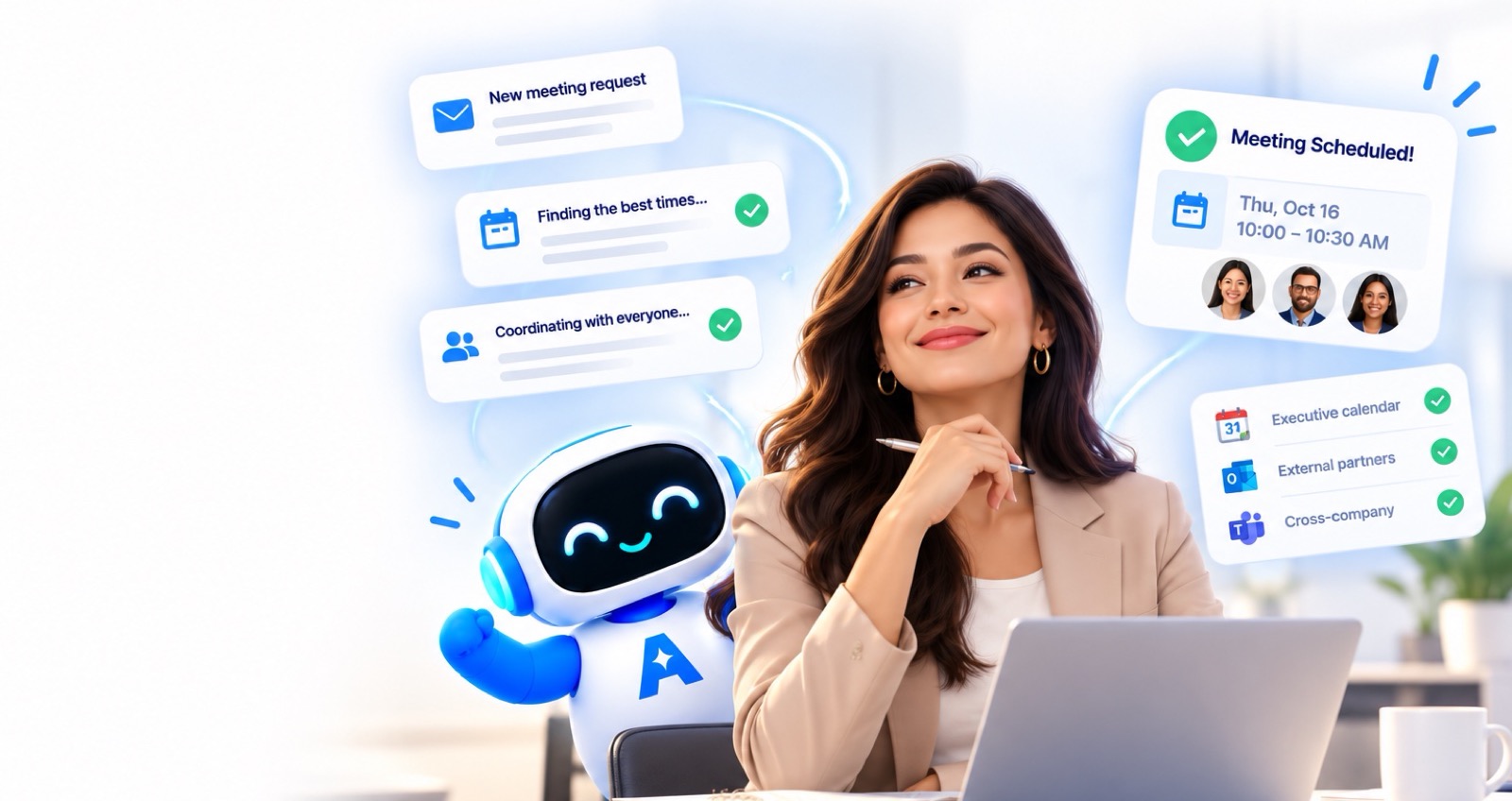
This is the category we built ANCI for. You tell ANCI who needs to meet, in chat, by voice or by email. ANCI finds the time across your executives' calendars, emails outside guests your options from your own address and with your name, reads their reply, and books the time they choose on your executive's calendar. Nothing goes to a guest until you approve it, and when something needs judgment, ANCI asks you one clear question instead of guessing.
Which tool for which job
| If most of your time goes to… | Look at |
|---|---|
| Guests booking routine calls | A booking link such as Calendly |
| Protecting your executive's focus time | Motion or Reclaim |
| Meetings with colleagues inside the company | Copilot in Outlook or Gemini in Google Calendar |
| Building your own automations | Lindy or a similar agent builder |
| Coordinating several executives and outside guests, with changes and follow-ups | ANCI |
Many assistants use more than one. A booking link for routine calls and an AI scheduling agent for the meetings that need care is a common pairing.
Six questions to ask in any trial
Whatever you try, test it on a real week, not a demo calendar. These questions show quickly whether a tool fits an EA's job:
- Does the meeting land on my executive's calendar, with my executive as the organizer?
- Can it schedule for more than one executive without mixing up their preferences?
- Can it write to someone outside the company, and does the email come from me?
- What happens when a guest replies "Friday instead?" Does it understand, or do I take over?
- Can I approve everything before it reaches a guest?
- When it isn't sure, does it ask me, or does it guess?
About ANCI
ANCI AI is an AI scheduling agent for executive assistants, made by Calndr Inc. It works with Google Calendar and Outlook, books Zoom, Google Meet or Microsoft Teams, and handles scheduling, moves, changes and cancellations. One plan covers one assistant and up to 10 executives, at $795 per assistant per month, with 30 days of guided onboarding and training. You can try it live on anciai.com with no setup.
Frequently asked questions
What is the best AI scheduling tool for executive assistants?
It depends on where your time goes. For routine calls where the guest picks a time, a booking link like Calendly works well. For protecting an executive's focus time, Motion or Reclaim. For coordinating several executives and guests outside the company, an AI scheduling agent built for assistants, such as ANCI, fits the job best.
Can AI schedule meetings with people outside my company?
Calendar assistants can't see outside calendars. An AI scheduling agent like ANCI does it the way an EA would: it emails the guest a few times that work, reads the reply and books the time they choose.
Will AI replace executive assistants?
We don't think so, and we didn't build ANCI to. Scheduling is coordination plus judgment. AI can take on the coordination: checking calendars, writing to guests, chasing replies. The judgment about people and priorities stays with the assistant.
Does the executive stay the organizer?
With ANCI, yes. Meetings are booked on the executive's calendar with the executive as the organizer, and every email to a guest comes from the assistant, with their name on it.